Cloning Item Feature
This page explains how to configure the CRUD feature with BIA Framework to activate the Cloning feature, which allows users to open the item creation form with inputs pre-filled with values from another item.
Presentation of the Feature
When this feature is active, a Clone button is visible on the left side of the table header:
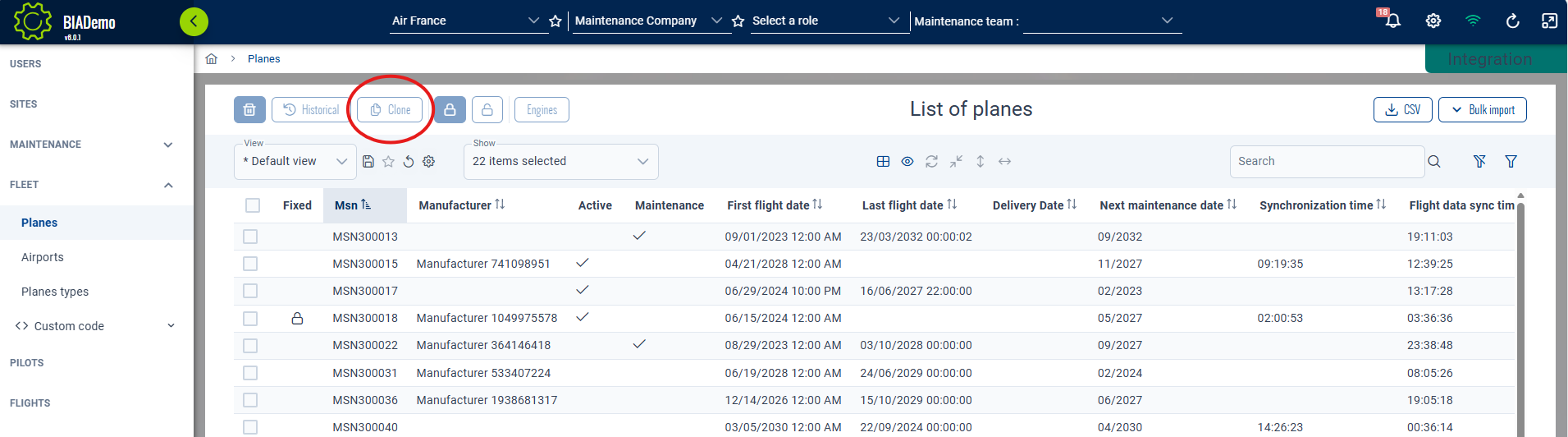
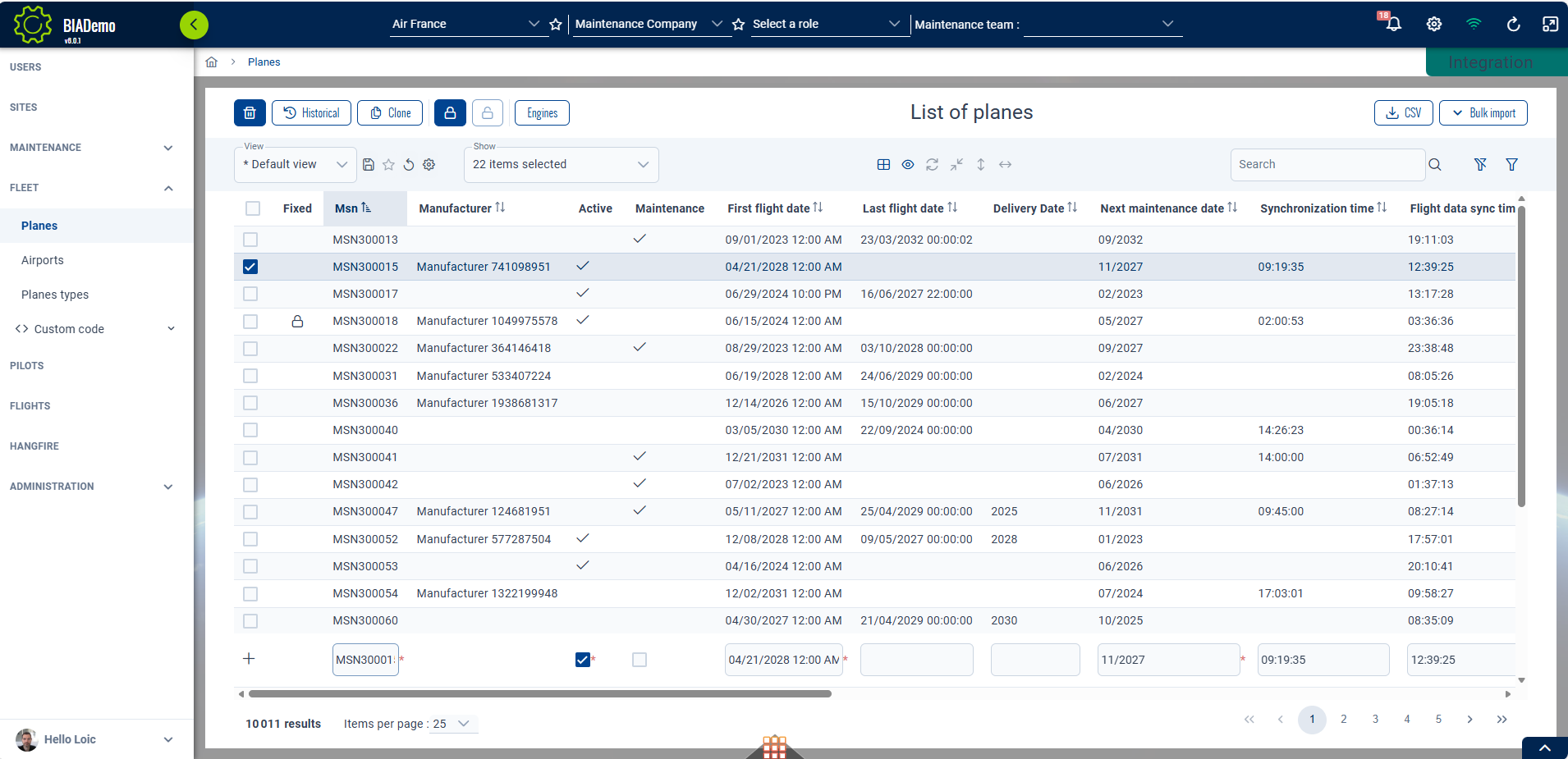
To use it, select the row you want to use as the source for data, then click clone.
This will open the creation form with all inputs filled with the values from the source item.
In calc mode:
 In popup mode:
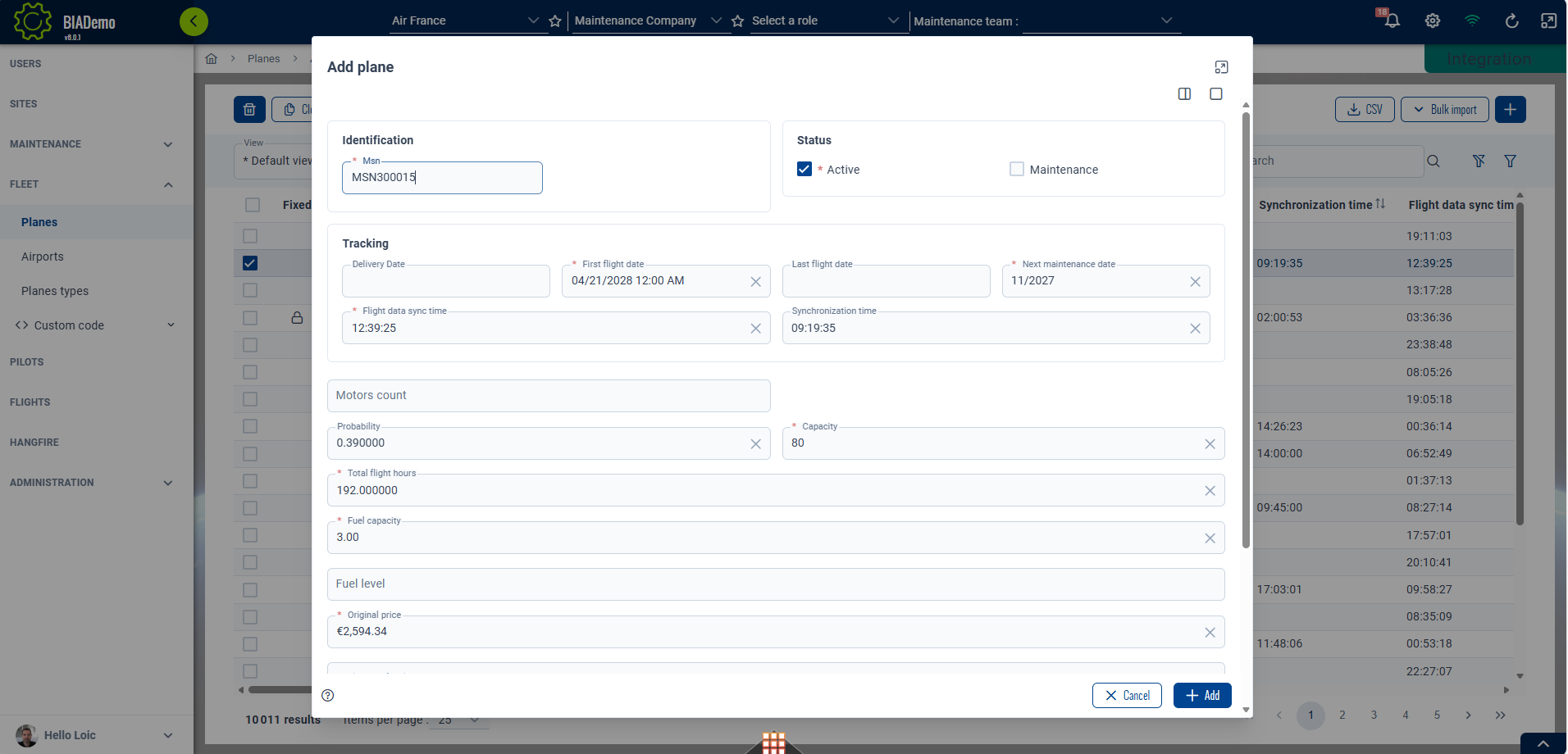
You can then make adjustments in the form and save the data by validating the form.
Implementation
To activate this feature:
- Set the CRUD configuration property
isCloneabletotruein your feature constants file
export const myFeatureCRUDConfiguration: CrudConfig<MyFeature> = new CrudConfig({
  ...
  isCloneable: true,
  ...
})
- If not already present, add the canClone input to your table header usage in your MyFeatureIndexComponent template file
<bia-table-header
  ...
  [canClone]="canAdd && crudConfiguration.isCloneable"
  ...>
</bia-table-header>
- If not already present, add the input to your feature form in MyFeatureNewComponent template file
<app-my-feature-form
  [crudItem]="(itemTemplate$ | async) ?? undefined"
  ...>
</app-my-feature-form>
Cloning should now be active in your CRUD feature.