Create Airport and PlaneType Options
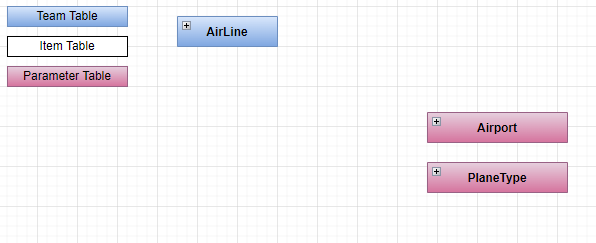
Create Airport's Option
Using BIAToolKit
- Start the BIAToolKit and go on "Modify existing project" tab*
- Set the projects parent path and choose your project
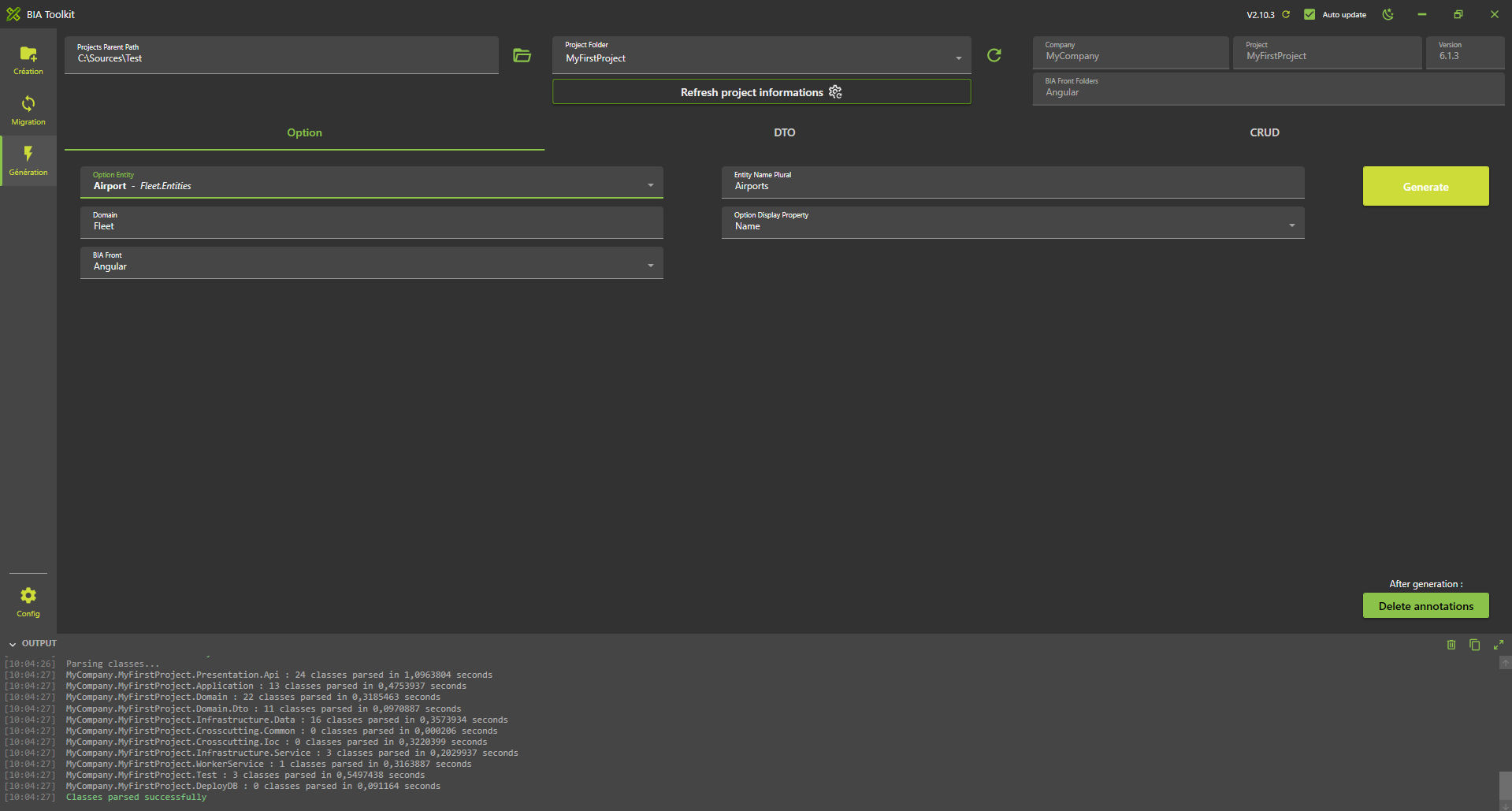
- Go to tab 1 "Option Generator"
- Select your entity Airport on the list
- Verify the plural name: Airports
- Choose the display item: Name
- Set the Domain: Fleet
- Click on generate button
Launch application generation
- In VSCode Stop all debug launched.
- Run and debug "Debug Full Stack"
- Verify you have no error.
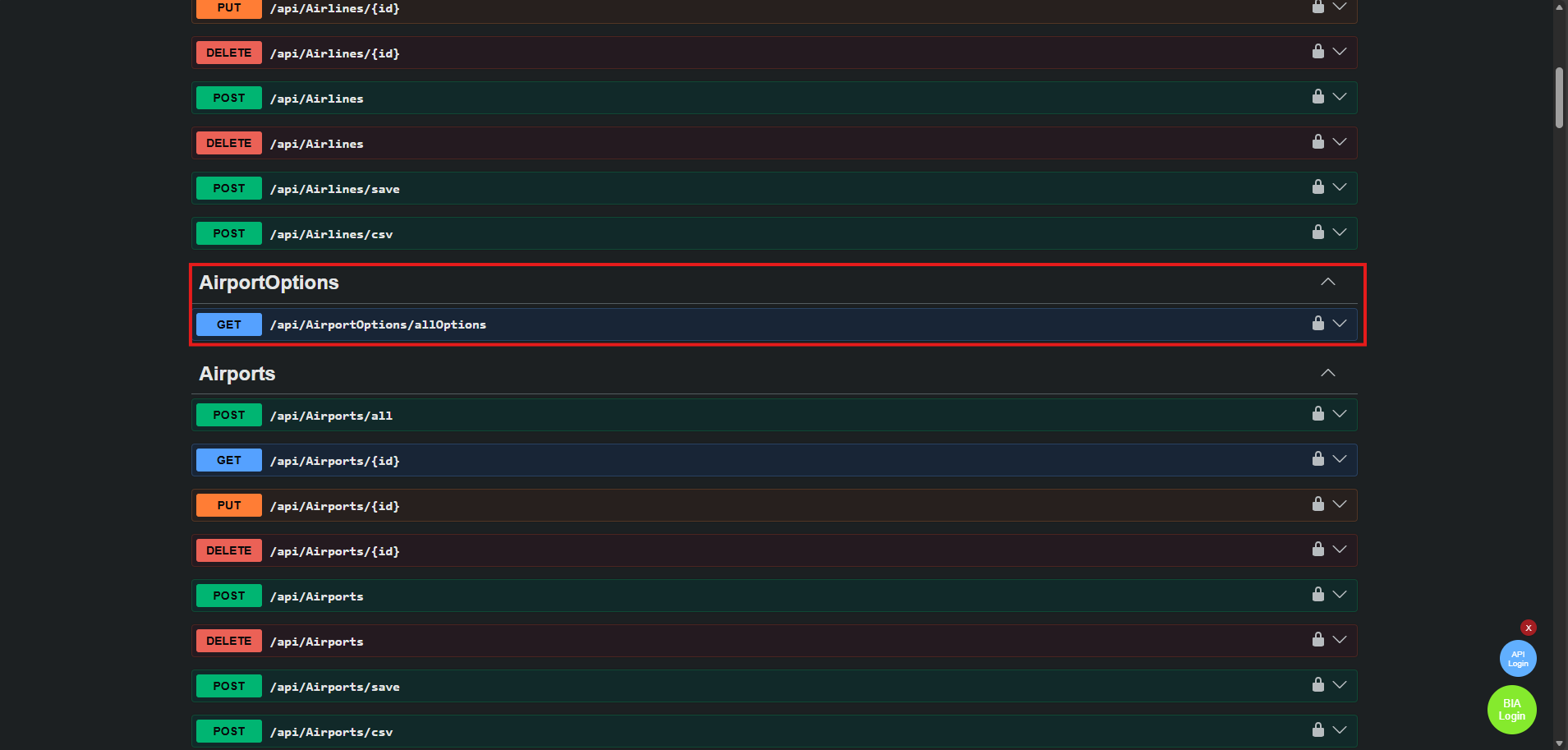
- You can see in swagger the "AirportOptions-Get" WebApi.
- For the moment you can't see other in the Front.
Create PlaneType's Option
Launch application generation
Using BIAToolKit
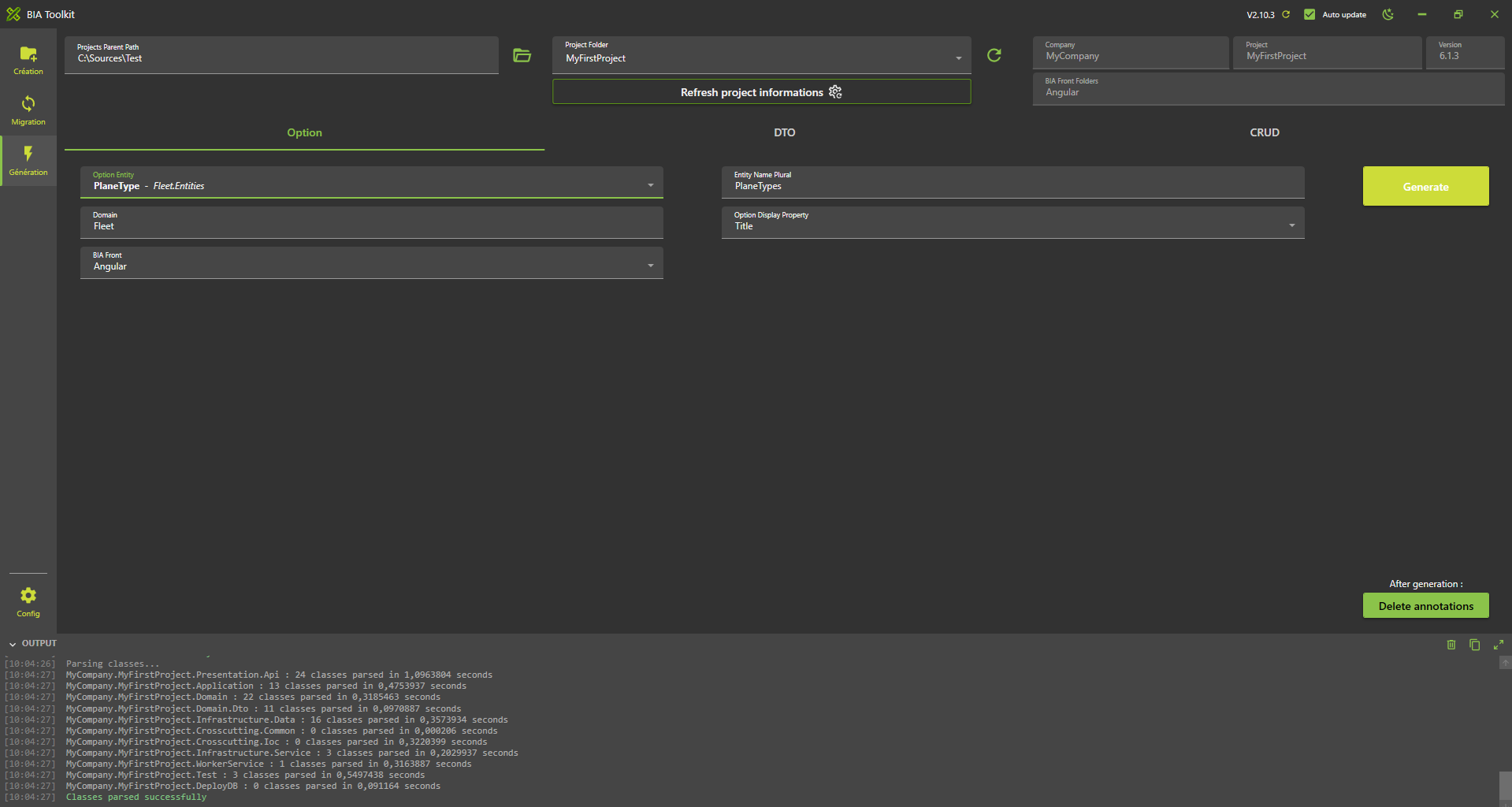
Follow the same steps as for Airport's option but change the values selected on the fields :
- Select your entity PlaneType on the list
- Verify the plural name: PlaneTypes
- Choose the display item: Title
- Set the Domain: Fleet
- Click on generate button
Launch application generation
- In VSCode Stop all debug launched.
- Run and debug "Debug Full Stack"
- Verify you have no error.
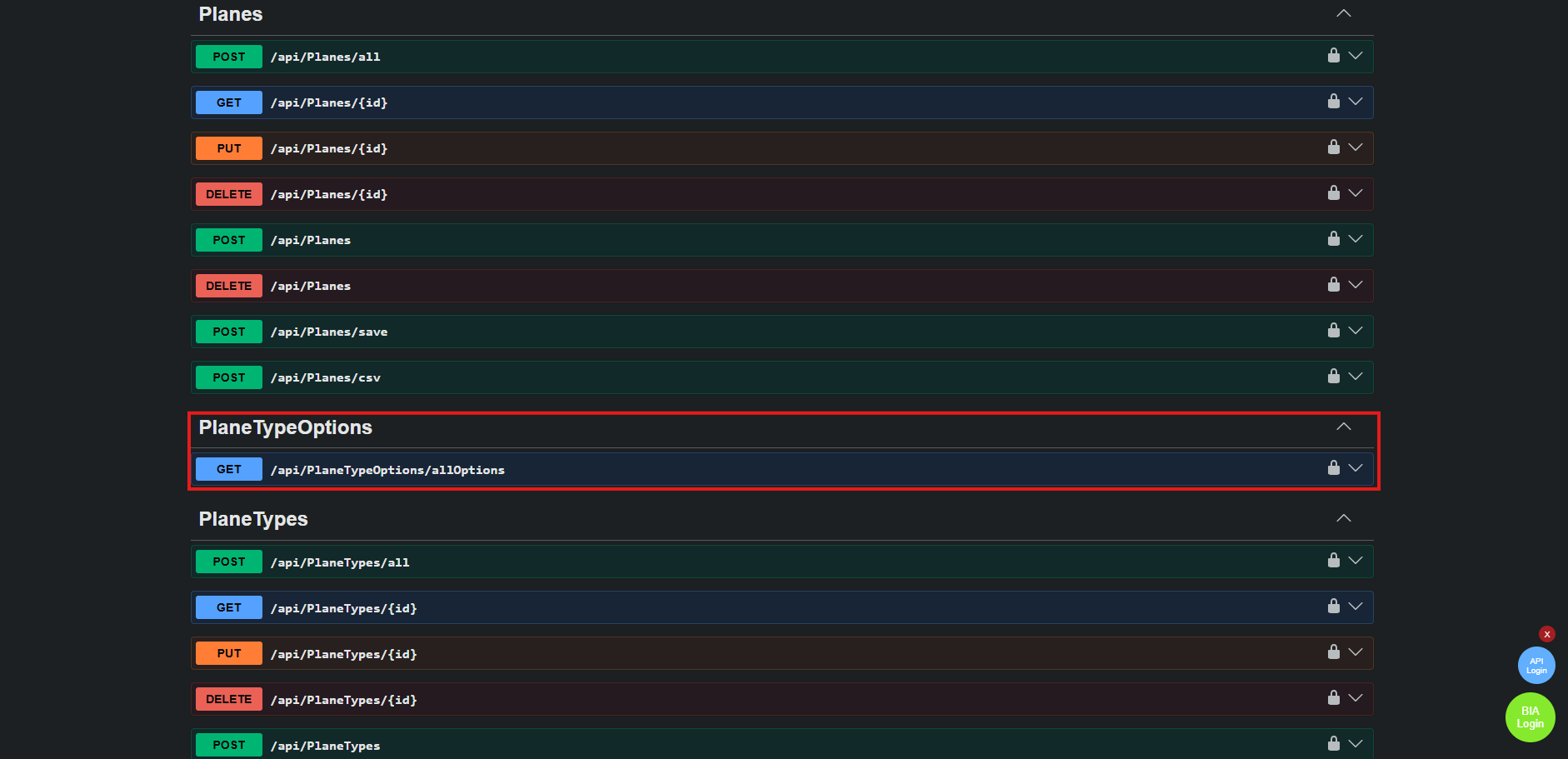
- You can see in swagger the "PlaneTypeOptions-Get" WebApi.
- For the moment you can't see other in the Front.