Using All Screen Height in the CRUD Index Component
This page explains how to make your tables fill the available height of the screen when there are enough elements to display.
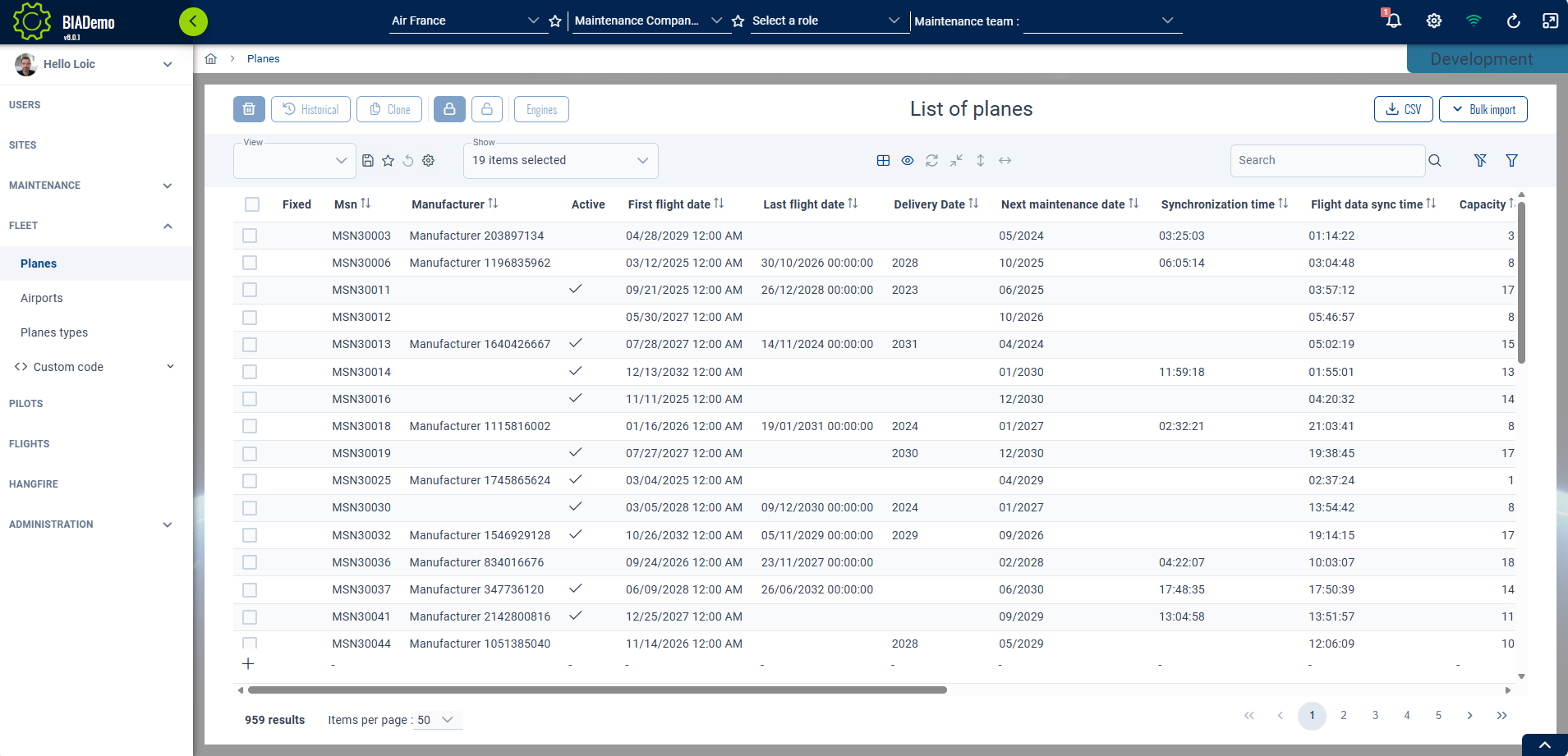
Configuration
In your IndexComponent, set the scrollHeightValue input property of the bia-table with the getFillScrollHeightValue function (available in CrudItemsIndexComponent):
<bia-table
...
[scrollHeightValue]="getFillScrollHeightValue()">
</bia-table>
If you don't extend CrudItemsIndexComponent, which defines the getFillScrollHeightValue function, you can still replicate it in your component by using TableHelperService:
  constructor(
    protected injector: Injector,
    ...
  ) {
    ...
    this.layoutService = this.injector.get<BiaLayoutService>(BiaLayoutService);
  }

  getFillScrollHeightValue(offset?: string) {
    return this.tableHelperService.getFillScrollHeightValue(
      this.layoutService,
      false,
      true,
      offset
    );
  }
Offset Usage for Custom Index Components
Some features might need to customize the index component to add tabs, remove or add y-padding or y-margin, etc. This would change the available space for the table content.
The getFillScrollHeightValue function takes an offset parameter for that reason. Adapt the offset to match the height of the content added or removed to adjust the available space for the table.
Example: For a component that adds a tab system above the header, if that tab component height is 3rem, you need to adjust the table size so it takes 3rem less height to display.
<bia-table
...
[scrollHeightValue]="getFillScrollHeightValue(' - 3rem')">
</bia-table>
This offset parameter is a string that will be added to a CSS calc() function and must be formatted to be compatible (spaces around operators, no space between value and unit).